

A portrait crop for Instagram
Turn a wide photo into a 4:5 portrait crop. Remove the edges you do not need without stretching the subject.
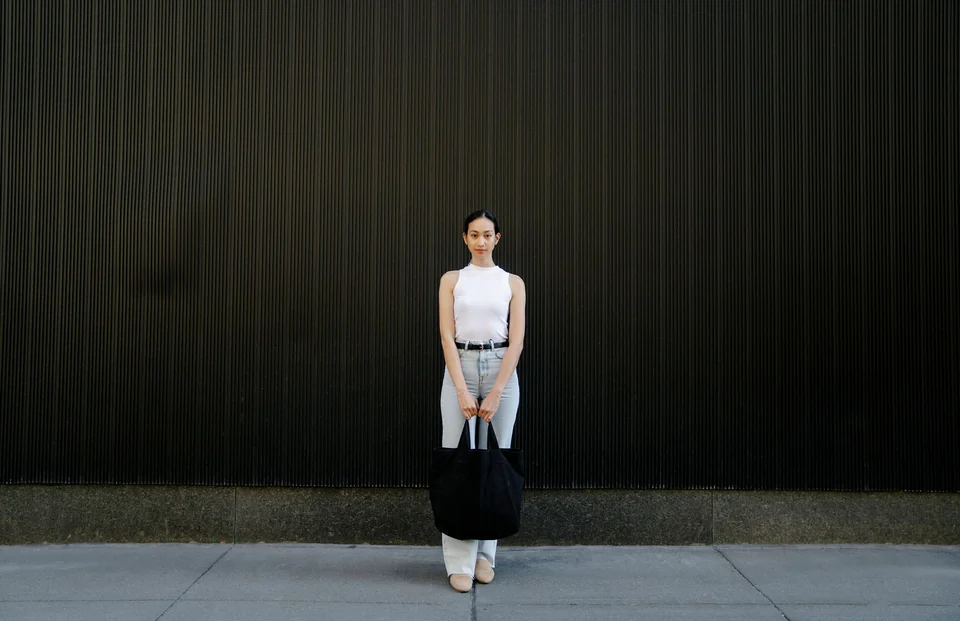
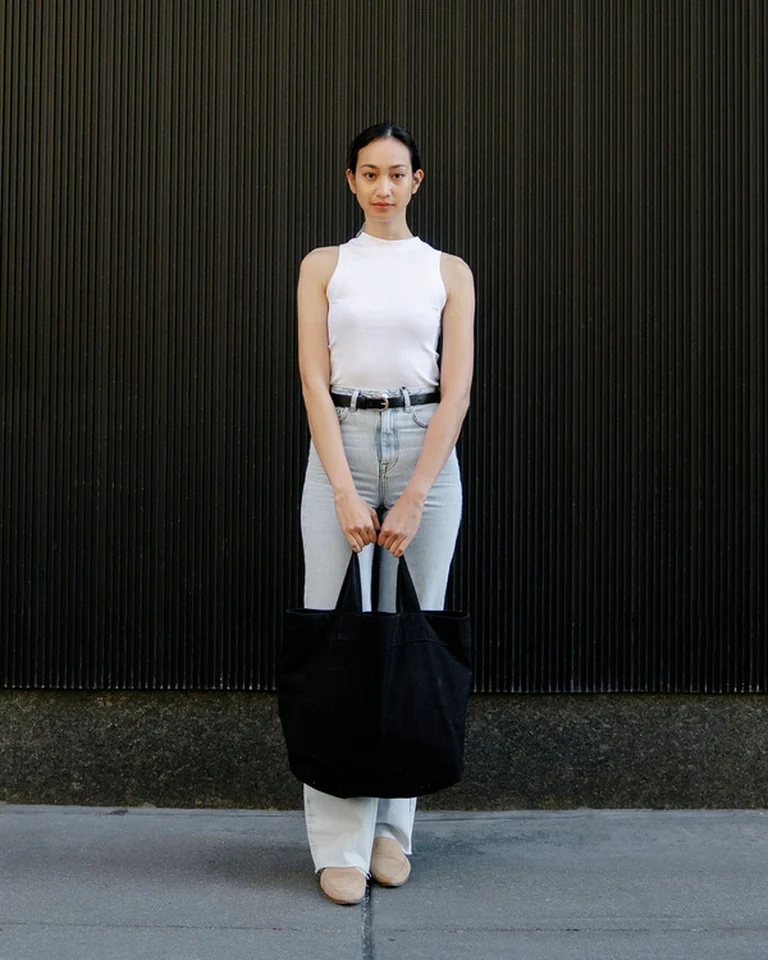
1536 × 993 px → 600 × 750 px. The kept area fills a 4:5 frame.
- Aspect ratio
- 4:5
- Original dimensions
- 1536 × 993 px
- Exported dimensions
- 600 × 750 px
How to do it
- Open the photo and choose the 4:5 aspect ratio.
- Move the crop area to keep the subject in the frame.
- Apply the crop and check the exported image.
Cropping changes the frame; it does not stretch the photo.