

A corner label or a light repeated watermark
Add DEMO · PicMender text in the bottom-right corner, or repeat it lightly across the photo.
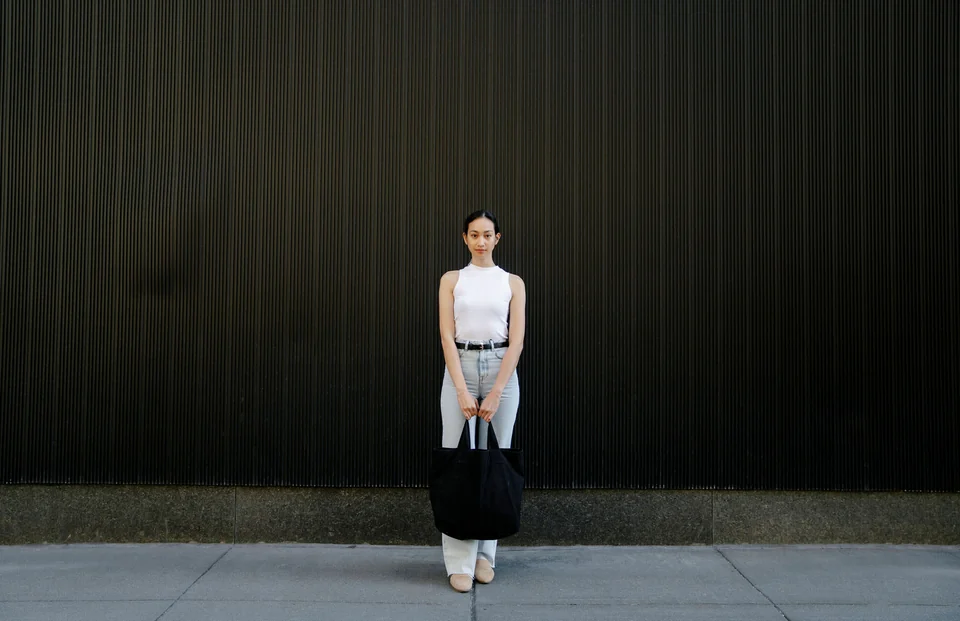
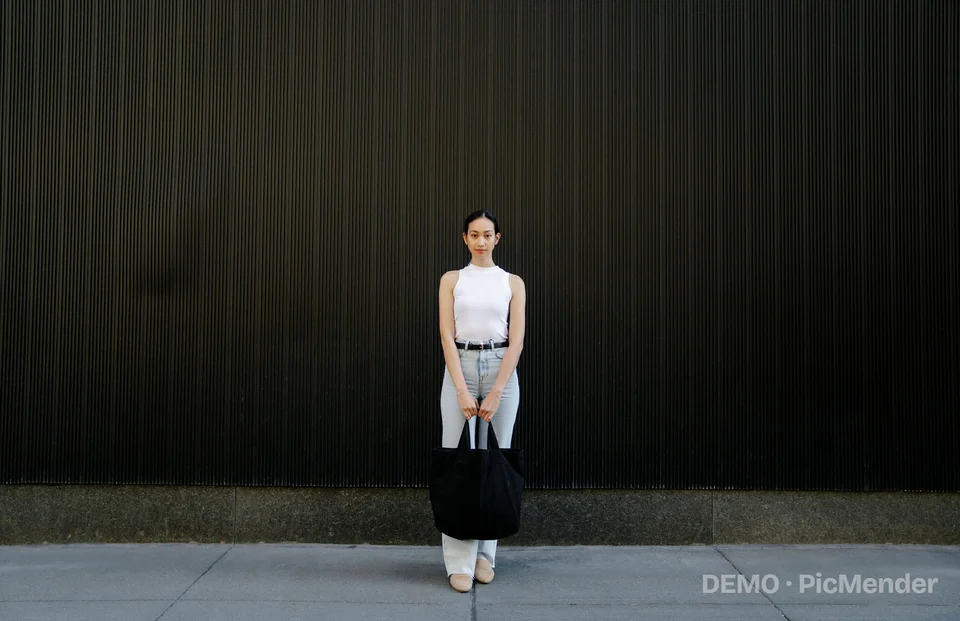
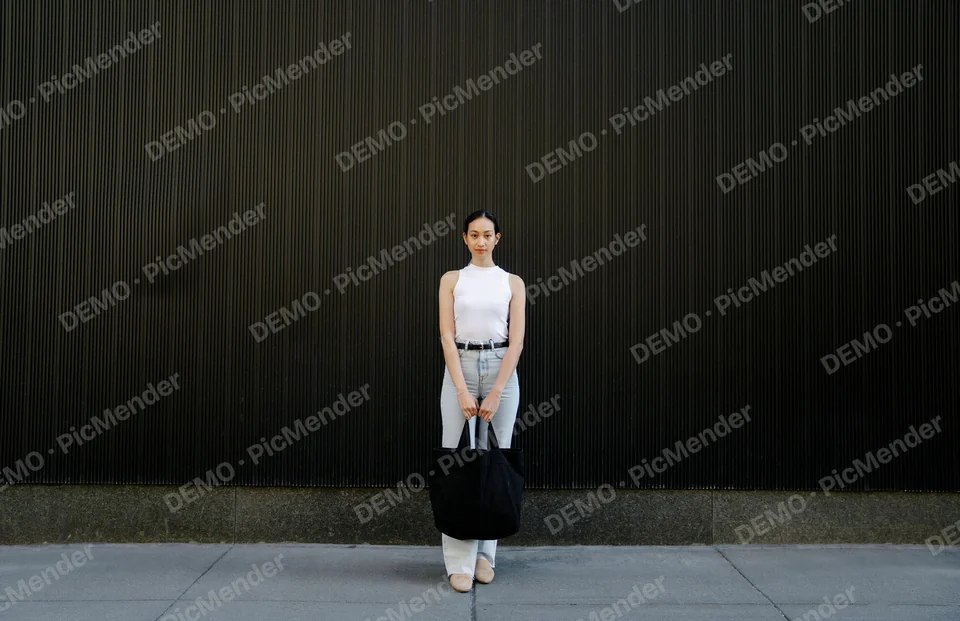
The same photo with a corner label or a repeated watermark.
- Sample text
- DEMO · PicMender
- Corner opacity
- 45%
- Repeated opacity
- 18%
How to do it
- Open the photo and enter DEMO · PicMender as the sample text.
- Choose the bottom-right position or repeat the watermark across the image.
- Adjust opacity, check the preview and export.
DEMO · PicMender is sample text; replace it with the wording you need.